Access Point vs. Extender vs. Mesh: Which Should You Buy?
Access point vs. extender vs. mesh: buy an access point if you can run Ethernet, mesh for whole-home coverage, and an extender only to rescue one weak room.
On this page
If you can run an Ethernet cable to the room that needs Wi-Fi, buy an access point, or use a mesh node or extender you already own in access point mode. Nothing gets relayed over the air, so you lose the least speed. If you can’t run a cable, a mesh system is the better buy when several rooms or a whole floor are weak, and a plain extender is the cheap fix when only one room is. That one question, “can I get a cable there?”, decides most of this.
This is a research-based guide built on manufacturer documentation. We haven’t tested the products named here.
The quick answer by situation
| Your situation | What to buy | Why |
|---|---|---|
| You can run Ethernet (or already have it) to the weak area | An access point, or a mesh node or extender in AP mode | The cable carries the data, so no wireless capacity is spent relaying it |
| Several rooms or a whole floor are weak, and you can’t wire | A mesh system | Units are managed as one network and pass devices between them |
| One room is weak, you can’t wire, and budget matters most | A Wi-Fi extender, ideally one that joins your router’s mesh family | Cheapest fix for a single spot |
| You have coax or reliable electrical wiring but no Ethernet | MoCA or powerline adapters plus an access point or wired mesh node | Gives you a wired-style link without new cable runs |
How each one works
Wi-Fi extender: a wireless relay
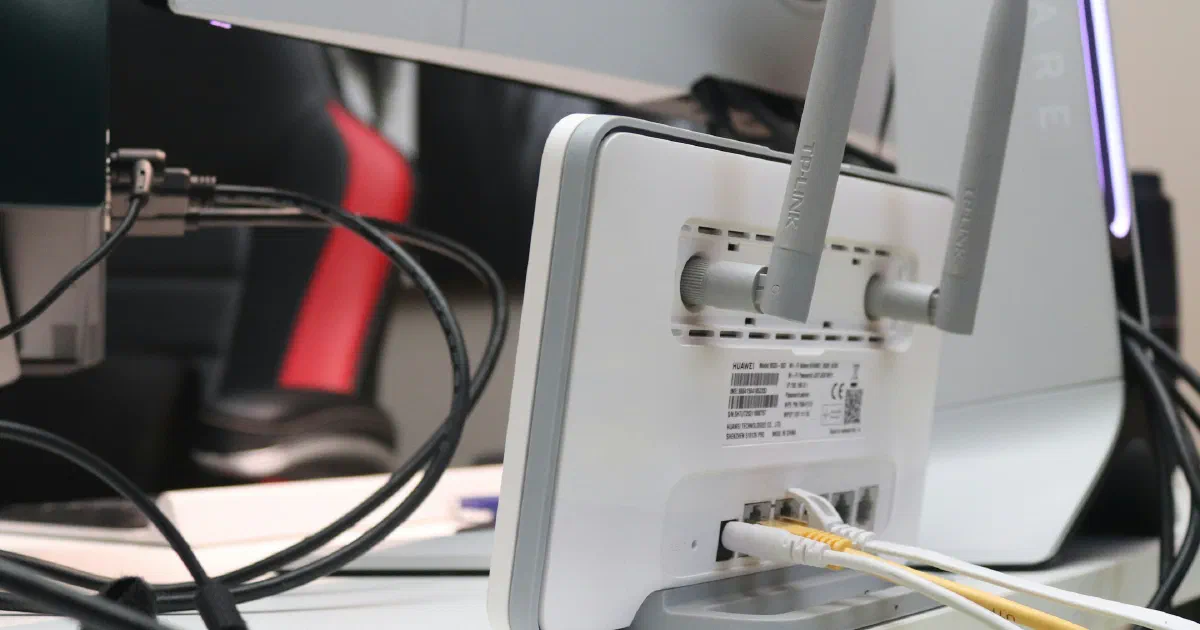
An extender listens to your router’s Wi-Fi and rebroadcasts it. That convenience comes at a price. TP-Link’s US buying guide says extenders “may reduce available bandwidth compared to a direct router connection, since many models use the same radio to receive and rebroadcast the signal.” TP-Link doesn’t put a number on the loss.
Extenders also differ in how they name the network. TP-Link says some of its models use the same Wi-Fi name as your router, while others add “_EXT” to it. TP-Link’s buying guide notes that non-mesh extenders that create a separate network name don’t let devices roam automatically to the strongest signal. EasyMesh extenders, which TP-Link says provide one network name and help compatible devices roam, avoid that problem. Our best Wi-Fi extenders guide lists picks by router brand, and placement matters more than most people expect; see where to put a Wi-Fi extender.
Access point: Wi-Fi from a cable
An access point turns a wired connection into a wireless one. It takes its link to your router over Ethernet, so it doesn’t need to listen to your router’s Wi-Fi at all.
You may already own one. TP-Link says its extenders that have one or more Ethernet ports can be switched to access point mode: you “connect the extender to your router via an Ethernet cable,” and it turns “a wired network into a wireless one.” Netgear says many of its routers can run in AP mode “on the same local network as another existing router or gateway to expand the wireless coverage in your home,” taking their IP settings from the existing router by default. An old router you’ve replaced can often be reused this way.
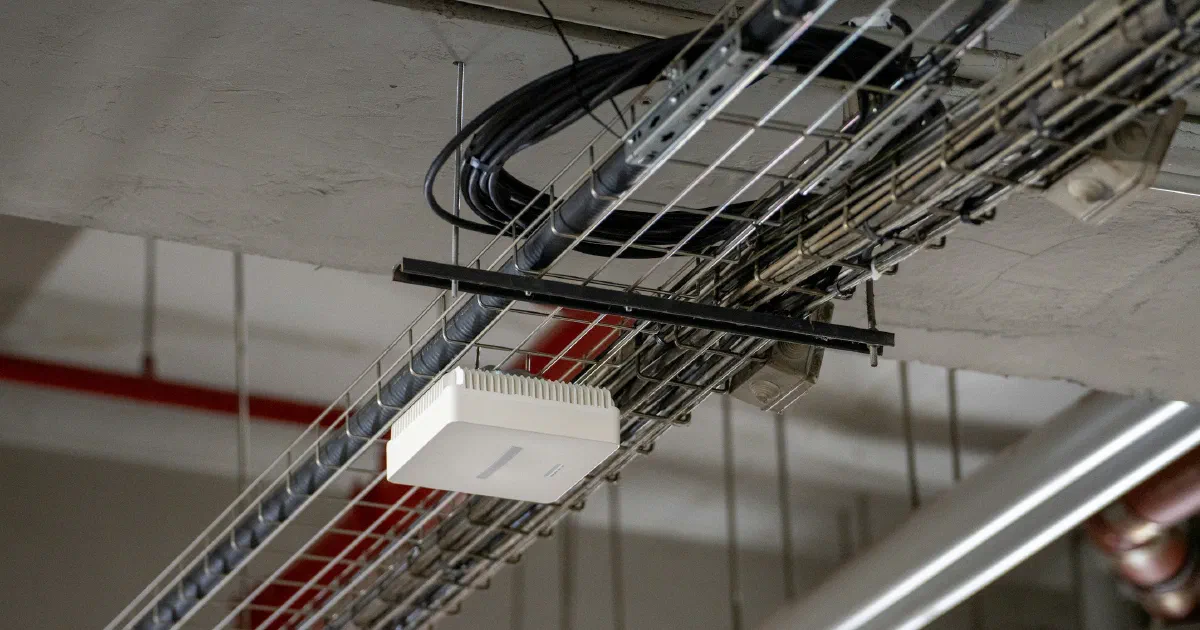
There are also dedicated access points sold for business and enthusiast setups. As one example, Adorama lists the Ubiquiti UniFi U7 Pro (model U7-PRO-US) as a tri-band Wi-Fi 7 access point with a 2.5 GbE port, powered by PoE+ from a UniFi PoE switch and drawing up to 21 W. The listing says it requires UniFi Network version 8.0.26 or later and UniFi OS 3.2 or later, Ubiquiti’s management software. It was $208 at Adorama (list $209.99) when we checked on October 22, 2026. Units like this are made for wall or ceiling mounting in wired homes. They suit people comfortable with PoE switches and a separate management app, and they’re more than most households need.
Mesh: several units, one managed network
A mesh system is a set of units that work together as one network, under one app. The units connect to each other either wirelessly or over Ethernet (the link between them is called the backhaul).
How they connect matters. eero says that with wireless backhaul, wirelessly linked units “share bandwidth with all your other devices,” while Ethernet backhaul “eliminates interference and frees up wireless bandwidth” and lowers latency. ASUS says a wired connection between AiMesh nodes can “optimize the network bandwidth and stability,” and that the system “will auto-select the best path for data transmission, whether wired or wireless,” with a setting to prefer the wired link. Our guide to wired vs. wireless mesh backhaul walks through the setup.
So a mesh system with every node wired is, in practice, a set of managed access points. A mesh system with no wires is closer to a set of coordinated extenders, with the same trade-off of relaying over the air.
Can you mix brands?
Usually not. Mesh systems are generally sold to work with their own brand’s units, and, as TP-Link notes above, a non-mesh extender creates its own network name.
The exception is Wi-Fi EasyMesh, a Wi-Fi Alliance standard. The Alliance describes it as “a standards-based approach to Wi-Fi networks that utilize multiple APs,” and says it supports “the addition of Wi-Fi EasyMesh APs from multiple vendors.” Our advice: confirm that both your router and the unit you’re adding list EasyMesh support before you buy. Standalone access points avoid the question: a standalone access point generally works with any router over Ethernet, though it won’t be managed from your router’s app.
How to decide in three questions
- Can you get a cable to the weak area? Ethernet in the walls, a cable run along the baseboard, or coax for MoCA adapters all count. If yes, use an access point, a wired mesh node, or an extender in AP mode.
- If not, how much of the house is weak? One room: an extender that joins your router’s mesh family. Several rooms or a floor: a mesh system.
- What router do you have? If it supports a mesh family (such as ASUS AiMesh or TP-Link OneMesh or EasyMesh), adding a compatible extender or node keeps one network and one app. If it’s an ISP gateway with no mesh support, a full mesh system, with the gateway’s Wi-Fi turned off or the gateway in bridge mode, is usually cleaner.
Whatever you buy, none of these will raise the speed of your internet plan. They fix how far and how well your Wi-Fi reaches.
Sources and verification
| Important claim | Source | Status |
|---|---|---|
| Many extenders use the same radio to receive and rebroadcast, which may reduce bandwidth; non-mesh extenders with a separate name don’t roam automatically | TP-Link US buying guide | Verified |
| Some TP-Link extenders keep the router’s Wi-Fi name, others add “_EXT” | TP-Link extender FAQ | Verified |
| TP-Link extenders with an Ethernet port can run in AP mode, wired to the router | TP-Link AP mode FAQ | Verified |
| Netgear routers can run in AP mode on the same network as an existing router | Netgear KB 20927 | Verified |
| Wirelessly linked mesh units share bandwidth with other devices; Ethernet backhaul frees it and lowers latency | eero | Verified (manufacturer statement) |
| AiMesh supports wired backhaul and auto-selects wired or wireless path | ASUS FAQ 1035140 | Verified |
| EasyMesh is standards-based and supports APs from multiple vendors | Wi-Fi Alliance | Verified |
| UniFi U7 Pro: tri-band Wi-Fi 7, 2.5 GbE, PoE+, 21 W max, needs UniFi Network 8.0.26+; $208 | Adorama listing | Qualified: retailer listing; price checked October 22, 2026 |
Frequently asked questions
Is an access point better than a Wi-Fi extender?
Yes, when you can run Ethernet to it. An access point gets its connection over the cable, so it doesn't spend wireless capacity relaying your router's signal. An extender is the option for spots you can't wire.
Can I use a Wi-Fi extender as an access point?
Often, yes. TP-Link says its extenders that have one or more Ethernet ports can be switched to access point mode, where you connect the extender to your router with an Ethernet cable. Check your model's manual or app for an AP mode setting.
Is mesh Wi-Fi the same as a bunch of access points?
Close, but not the same. A mesh system is a set of units managed together as one network, and they can link to each other wirelessly or over Ethernet. Separate access points each need their own cable and, unless they come from one managed system, are configured individually.
Can I mix mesh units from different brands?
Usually not. Mesh systems are generally designed to work with their own brand's units, and sometimes only with certain models. The Wi-Fi Alliance's EasyMesh standard is designed to allow access points from multiple vendors, so check that both your router and the added unit support it.
Will an access point increase my internet speed?
No. It can improve Wi-Fi coverage and the speed your devices get over Wi-Fi in the rooms it covers, but it can't raise the speed of the internet plan coming into your home.
Sources
- Best Wi-Fi Extenders and Repeaters: The Complete Buying Guide, TP-Link US (Sep 24, 2026)
- How to Set Up Your TP-Link Range Extender to Access Point (AP) Mode, TP-Link (Oct 22, 2026)
- Most frequently asked questions about TP-Link range extenders, TP-Link (Omada Networks support site) (Oct 22, 2026)
- Ethernet backhaul for mesh Wi-Fi, eero (May 19, 2026)
- [AiMesh] Can I set up wired connection between AiMesh routers (Ethernet backhaul)?, ASUS (Oct 22, 2026)
- How do I change my NETGEAR router to AP mode after setting it up?, Netgear (Oct 22, 2026)
- Wi-Fi EasyMesh, Wi-Fi Alliance (Oct 22, 2026)
- Ubiquiti UniFi U7 Pro Tri-Band Wi-Fi 7 Access Point (U7-PRO-US), Adorama (Oct 22, 2026)