Buy Your Own Router or Use Your Internet Provider's?
Some plans now include the provider's gateway at no extra cost, and the law bars fees for equipment you supply. How to decide whether to buy your own.

On this page
Start with your bill. If you pay a monthly fee for the provider’s modem, router or gateway, owning your own equipment can remove that charge. If your plan already includes the equipment at no extra cost, which is how Xfinity describes its latest plans, buying your own saves nothing and is worth doing only for better Wi-Fi or more control.
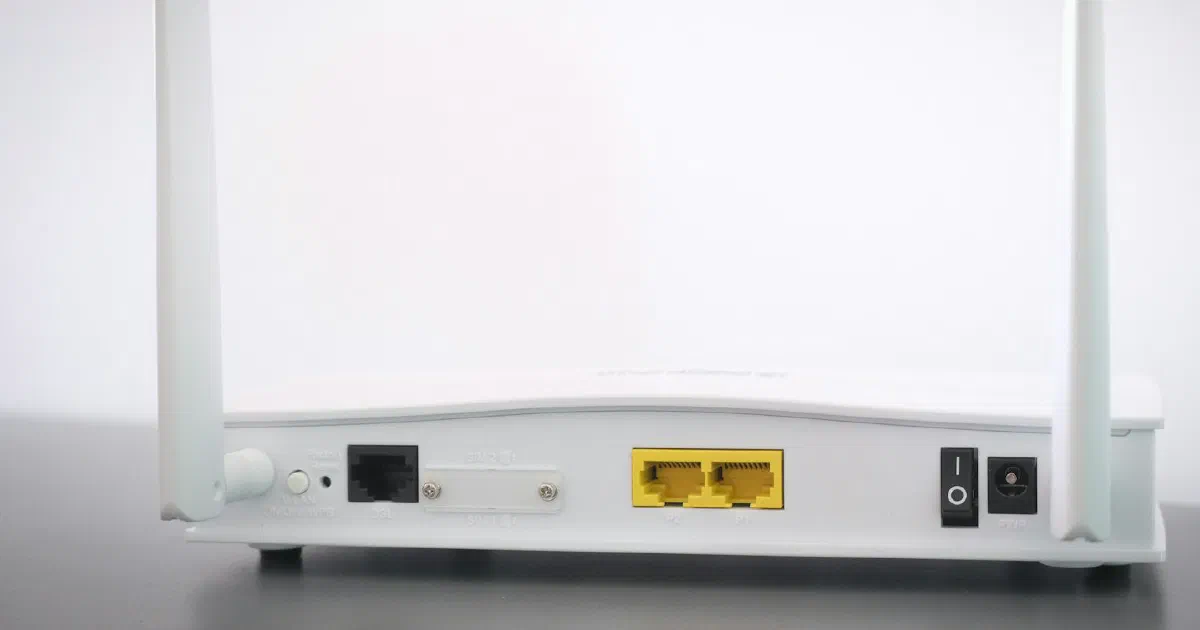
Internet providers usually supply a gateway, a single box that combines a modem (which connects to the provider’s line) and a Wi-Fi router (which creates your home network). This guide explains what the law says about equipment fees, how to check what you pay, and what changes if you switch to your own. It is a research-based guide drawn from federal law, FCC documents and one provider’s published policies. We could not verify equipment fees from provider pages, so we don’t quote any.
Can my provider charge for equipment I don’t use?
No. A federal law, 47 U.S.C. 562, says fixed broadband and TV providers may not charge you for “using covered equipment provided by the consumer.” They also may not charge rent for equipment they never gave you, or for equipment you have already returned. The law defines covered equipment as equipment “such as a router” used on your premises to receive the service.
The rule comes from the Television Viewer Protection Act of 2019. It was due to take effect on June 20, 2020, and the FCC extended that to December 20, 2020, citing the COVID-19 emergency.
So if you return the provider’s equipment and use your own, an equipment rental charge should come off your bill. If it doesn’t, ask the provider to remove it.
How do I check what I pay for equipment now?
- Look for an equipment line on your bill. It may be labeled as a gateway, modem, router or Wi-Fi equipment charge. If there is none, your equipment is either included in the plan price or yours already.
- Read the plan’s broadband label. The FCC requires providers to show these labels at the point of sale, and they must disclose prices, introductory rates, data allowances and speeds.
- Check what your plan includes. Xfinity, for example, says: “The latest Xfinity Internet plans include the Xfinity Gateway at no extra cost.” If you are on an older plan, the answer may differ.
We have not listed fee amounts for any provider. Fees vary by plan, region and date, and the provider pages we tried either didn’t list them or couldn’t be opened for checking.
What are the options?
| Setup | What you buy | Best for | Watch out for |
|---|---|---|---|
| Keep the provider’s gateway | Nothing | Included equipment, simple setup, provider support | Less control; coverage limited to one box unless you add the provider’s extenders |
| Provider’s gateway plus your own mesh or router | A Wi-Fi router or mesh system | Better coverage while keeping the provider’s modem | Two layers of routing unless you set it up correctly |
| Your own modem and router | A compatible modem plus a router, or a combined unit | Removing an equipment fee; full control | Compatibility, setup, updates and troubleshooting are on you |
The middle option is often the easiest upgrade. You keep the provider’s equipment, which is guaranteed to work with the service, and plug your own router or mesh system into it. That gets you better coverage without any compatibility check on the modem side. Having two routers in a row can cause a “double NAT,” which some game consoles flag; the usual fix is to set the provider’s gateway to bridge mode or use your router’s access point mode. Our bridge mode and double NAT guide walks through both. Our gaming router guide and WPS and UPnP guide explain NAT.
What do I need to check before buying my own?
Compatibility. A cable modem or gateway has to work with your provider’s network and support your speed tier. Xfinity says: “Your modem must work with Xfinity and support your internet speed,” and directs customers to a compatibility lookup called My Device Info. It adds that unsupported devices won’t work. Check your own provider’s list if you are not with Xfinity, and see our guide to DOCSIS 3.0 vs. 3.1 vs. 4.0 modems. A Wi-Fi router plugged in behind the provider’s equipment doesn’t need this check.
Speed. Match the modem and router ports to your plan. A plan faster than 1 Gbps needs multi-gigabit ports; see do you need a multi-gig router. See how much internet speed you need and our Ethernet cable guide.
Responsibility. Xfinity says that with your own equipment you are responsible for “keeping your device updated and secure,” “troubleshooting problems with your device” and “setting up and managing your WiFi security.” Our router hardening checklist covers the security side.
Features tied to rented equipment. Xfinity lists several benefits of its rented gateway: app controls such as pausing devices, its Xfinity CyberSecure security service, its WiFi Extenders, and access to Xfinity WiFi hotspots away from home. Check which of these you use before returning the gateway.
Fiber and fixed wireless. Options on fiber and 5G home internet differ by provider, and we couldn’t open those providers’ support pages for this guide. Xfinity notes that in communities where internet reaches each unit over fiber, “any standard router compatible with your speed tier can be used.” Check your own provider’s support pages before buying.
Does the FCC’s router rule affect what I can buy?
Not in a way that stops you buying a router. On March 23, 2026, the FCC added routers produced in foreign countries to its Covered List. The FCC’s FAQ, updated May 12, 2026, says new foreign-produced models can’t receive FCC authorization unless they get a Conditional Approval. Routers that already have FCC authorization, shown by the FCC ID on the device, “may continue to be imported, sold, and used in the U.S.”
For consumers, the FCC says: “Consumers currently using covered routers in small and home offices do not need to do anything,” and “Consumers will continue to be able to purchase previously authorized routers.” The FCC also confirms that provider-supplied gateways that combine a modem and router “fall within the scope of the determination.”
In practice, the rule limits which new models reach US stores, not whether you can buy a router at all. Our Wi-Fi 8 availability report covers which makers held Conditional Approvals as of October 2, 2026.
Should I buy my own?
| Your situation | Reasonable choice | Why |
|---|---|---|
| Your bill shows a monthly equipment fee | Consider your own compatible modem and router | Federal law bars fees for equipment you supply |
| Equipment is included in your plan price | Keep the provider’s gateway | Buying your own saves nothing on the bill |
| Coverage is poor in parts of the home | Add your own mesh or router behind the provider’s gateway | Fixes coverage without a compatibility check |
| You use the provider’s app, security service or hotspots | Keep renting, or check what you lose first | Those features are tied to the rented equipment |
| You want full control of settings and updates | Your own router, with the provider’s gateway in bridge mode or replaced | You manage the network directly |
If you decide on a mesh system, our guides to router vs. mesh and mesh picks for large houses cover the choice.
Fact-check notes
| Important claim | Source | Verification |
|---|---|---|
| Fixed broadband and TV providers may not charge for using equipment the consumer provides, or for equipment never provided or already returned; “covered equipment” includes routers | 47 U.S.C. 562, via Cornell LII | Verified |
| The provision’s effective date was extended from June 20, 2020 to December 20, 2020, citing COVID-19 | FCC order DA 20-375, Federal Register, April 23, 2020 | Verified |
| Xfinity’s latest plans include the Xfinity Gateway at no extra cost; own modems must be compatible and support the speed tier; owners are responsible for updates, security and troubleshooting | Xfinity Support, checked October 11, 2026 | Verified; applies to Xfinity only, and “latest plans” is not defined on the page |
| Xfinity’s rented gateway comes with app controls, CyberSecure, extender support and hotspot access | Xfinity Support, checked October 11, 2026 | Verified as the provider’s description |
| Previously authorized routers can still be imported, sold and used; consumers need do nothing; new foreign-produced models need a Conditional Approval; ISP gateways are within scope | FCC router FAQ, updated May 12, 2026, checked October 11, 2026 | Verified |
| Broadband labels must disclose prices, introductory rates, data allowances and speeds | FCC Broadband Consumer Labels | Verified |
| Double NAT and bridge mode as the usual fix | Our explanation | Qualified: general networking guidance; steps vary by provider and router |
Bottom line
Read the equipment line on your bill before you buy anything. If there is a fee, the law is on your side: return the provider’s equipment, buy a compatible replacement, and the charge should go. If the equipment is included, keep it and spend the money on coverage instead, with a mesh system plugged in behind the provider’s gateway.
Frequently asked questions
Can my internet provider charge me for a router I don't use?
No. Under 47 U.S.C. 562, fixed broadband and TV providers may not charge you for using equipment you provide yourself, or for renting equipment they never gave you or that you already returned. The FCC set the rule's effective date as December 20, 2020.
Is it cheaper to buy my own router?
Only if you are paying a separate equipment fee now. Check the equipment line on your bill and the plan's broadband label. Xfinity, for example, says its latest plans include the gateway at no extra cost, so buying your own would not lower the bill on those plans.
Can I use my own router with any internet provider?
Not always. Cable modems and gateways must be compatible with the provider's network and your speed tier. Xfinity has a compatibility lookup and says unsupported devices won't work. A plain Wi-Fi router plugged in behind the provider's equipment is generally the simpler route.
What do I lose if I stop renting the provider's gateway?
It depends on the provider. Xfinity lists features tied to its rented gateway, including its app controls, Xfinity CyberSecure, its WiFi extenders and access to its WiFi hotspots. You also take on updates, security and troubleshooting yourself.
Does the FCC router rule stop me from buying a router?
No. The FCC says consumers can keep using routers they own and can continue to buy previously authorized models. The rule affects which new foreign-produced models can be authorized for sale.
Sources
- 47 U.S. Code § 562 - Requirements relating to charges for covered services, Legal Information Institute, Cornell Law School
- Implementation of the Truth-in-Billing Provisions of the Television Viewer Protection Act of 2019, Federal Communications Commission via Federal Register (Apr 23, 2020)
- Using your own modem, router, or gateway with Xfinity, Xfinity Support
- Benefits of renting an Xfinity Gateway, Xfinity Support
- FAQs on Recent Updates to FCC Covered List Regarding Routers Produced in Foreign Countries, Federal Communications Commission (May 12, 2026)
- Broadband Consumer Labels, Federal Communications Commission