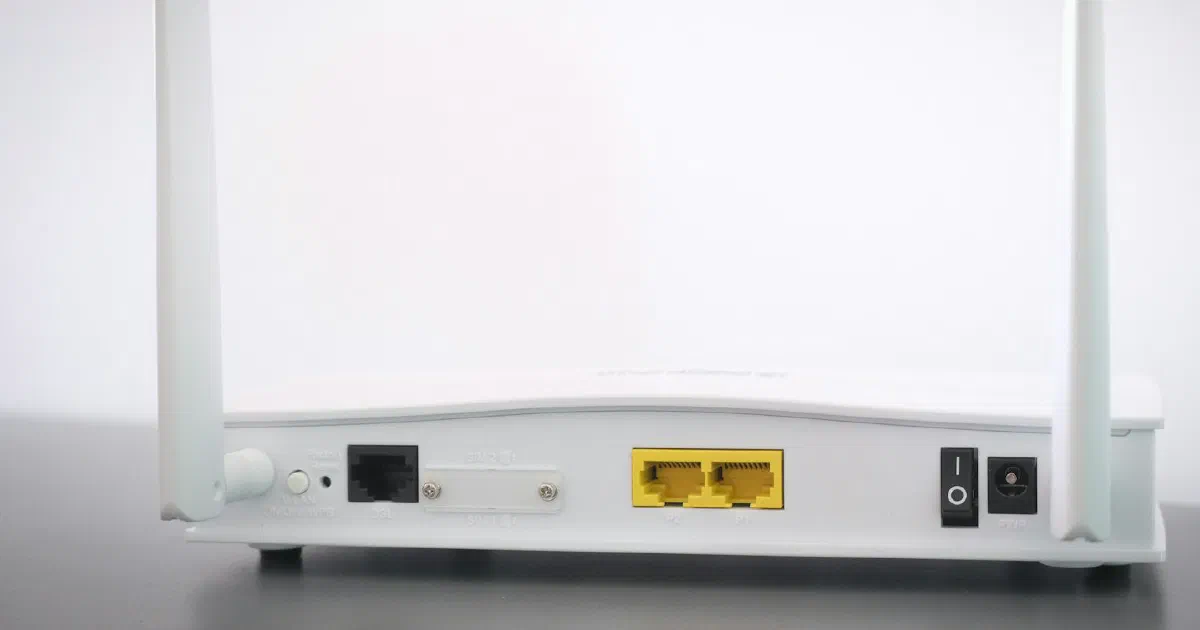
Do You Need a Multi-Gig Router? 2.5G and 10G Ports Explained
A plan faster than 1 Gbps needs more than a fast router. Which ports, cables and devices you need for multi-gig internet, and when gigabit is still enough.
On this page
You need a multi-gig router if your internet plan is faster than 1 Gbps, or if you regularly move large files between wired devices at home, such as a computer and a network storage drive. For a plan of 1 Gbps or less, a router with gigabit ports is enough.
This is a research-based buying guide built from manufacturer specifications, the IEEE Ethernet standard and providers’ published plans. We have not tested these routers.
Quick answer
| Your situation | What to buy |
|---|---|
| Plan of 1 Gbps or less, mostly Wi-Fi devices | Gigabit ports are fine |
| Plan of 2 Gbps | 2.5 Gbps WAN port, plus a 2.5 Gbps LAN port for any wired device that needs the speed |
| Plan of 3 to 5 Gbps | 5 or 10 Gbps WAN port |
| Plan above 5 Gbps | 10 Gbps WAN port |
| Fast transfers between wired devices at home | Multi-gig LAN ports or a multi-gig switch, whatever your plan |
What does “multi-gig” mean?
Multi-gig Ethernet runs faster than the 1 Gbps (gigabit) ports most routers, computers and consoles have had for years. The common speeds are 2.5 Gbps, 5 Gbps and 10 Gbps. The 2.5 and 5 Gbps versions are defined by the IEEE 802.3bz standard, designed to run over the twisted-pair cable many homes already have.
The point is simple: a 1 Gbps port caps that connection at about 1 Gbps. If your provider delivers 2 Gbps to a router with a gigabit WAN port, the router can only pass on about half of it.
Every link in the path has to be multi-gig
To see multi-gig speed on one device, each step from the provider to that device needs to support it:
- The provider’s equipment. The modem or fiber terminal needs a multi-gig port. Providers that sell multi-gig plans usually supply this; check with yours.
- The router’s WAN (internet) port. This should match or beat your plan.
- A router LAN port or a switch. Your device has to plug into a multi-gig port too.
- The cable. See the cable section below.
- The device. A computer with only a gigabit Ethernet port tops out at about 1 Gbps, even on an 8 Gig plan.
TP-Link puts it in a footnote on its Archer BE230 page: actual speed “may be limited by the rate of the product’s Ethernet WAN or LAN port, the rate supported by the network cable, Internet service provider factors and other environmental conditions.”
Count the ports, not just the speed
Routers advertised as multi-gig vary a lot in how many fast ports they have.
| Router | Multi-gig ports | Gigabit ports | What it suits |
|---|---|---|---|
| TP-Link Archer BE230 | One 2.5 Gbps WAN, one 2.5 Gbps LAN | Three gigabit LAN | A 2 Gig plan with one fast wired device or switch |
| eero Pro 7 | Two 5 GbE | None listed | Plans up to about 5 Gbps |
| eero Max 7 | Two 10 GbE, two 2.5 GbE | None listed | Plans above 5 Gbps, or several fast wired devices |
On the Archer BE230, one 2.5 Gbps port connects to the internet and only one LAN port runs faster than 1 Gbps. If you need more fast wired connections, add a multi-gig switch.
Do you need new cable?
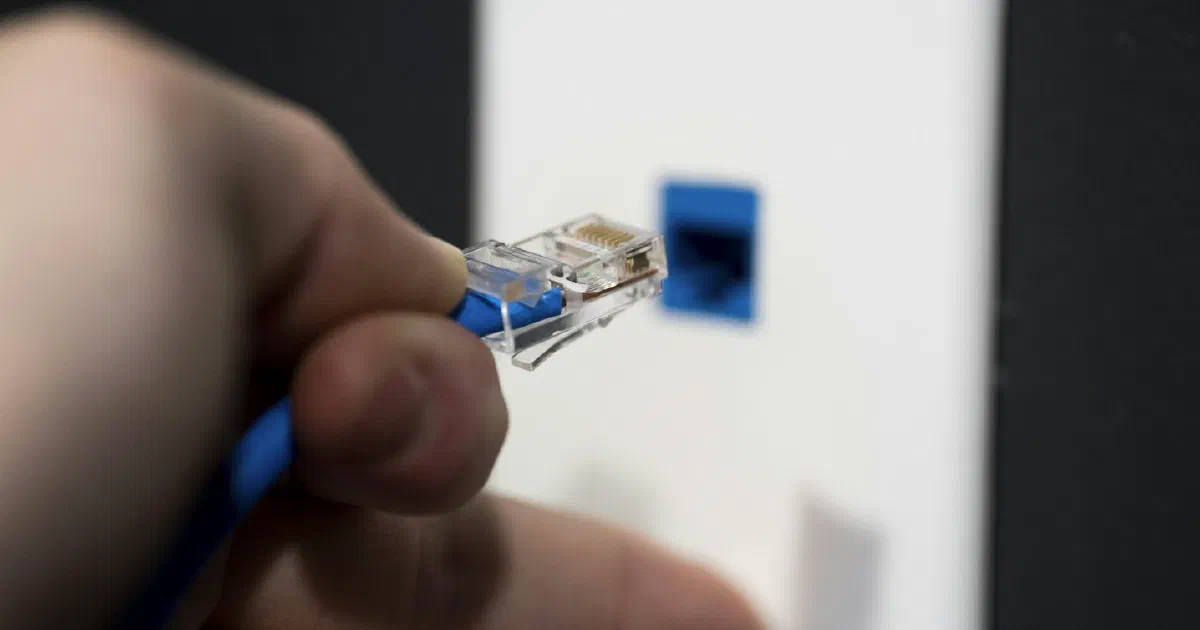
Probably not for 2.5 Gbps. Fluke Networks’ summary of IEEE 802.3bz says Cat 5e supports 2.5 Gbps over 100 meters (328 feet) and Cat 6 supports 5 Gbps over the same distance. 10 Gbps over long runs needs Cat 6A. Our Ethernet cable guide covers each category.
Does multi-gig help Wi-Fi?
Indirectly. Ports carry wired traffic and the connection to your provider. Wi-Fi speed depends on the router’s radios and your device’s Wi-Fi support. TP-Link notes that Wi-Fi 7 features such as Multi-Link Operation require devices that support them too. Whatever your Wi-Fi can do, a gigabit internet port still caps internet traffic at about 1 Gbps. See Wi-Fi 6E vs. Wi-Fi 7.
Mesh systems also benefit. Multi-gig ports allow faster wired backhaul between units; see wired vs. wireless mesh backhaul.
Do you need a multi-gig plan at all?
Most households don’t. Even busy homes use far less than 1 Gbps at once for streaming, video calls and gaming. Multi-gig plans help most when you move very large files or several people download big games or backups at the same time. Our guide to how much internet speed you need works through it. Multi-gig plans are available in some areas: gFiber, for example, lists 3 Gig and 8 Gig plans alongside 1 Gig, each with a router included.
If your provider includes a router with a multi-gig plan, check its ports before buying your own. Our guide to buying your own router vs. using the provider’s covers the trade-offs.
Fact-check notes
| Important claim | Source | Verification |
|---|---|---|
| Archer BE230 has one 2.5 Gbps WAN port, one 2.5 Gbps LAN port and three gigabit LAN ports; actual speed may be limited by ports, cable and provider; Wi-Fi 7 features need client support | TP-Link Archer BE230 | Verified from manufacturer specifications as of October 16, 2026 |
| eero Max 7 has two 10 GbE and two 2.5 GbE ports; eero Pro 7 has two auto-sensing 5 GbE ports | eero Max 7 page, model comparison | Verified as of October 16, 2026 |
| gFiber lists 1 Gig, 3 Gig and 8 Gig plans with a router included | gFiber | Verified as of October 16, 2026; availability varies by city |
| IEEE 802.3bz defines 2.5GBASE-T and 5GBASE-T | IEEE 802.3bz-2016 | Verified |
| Cat 5e supports 2.5 Gbps and Cat 6 supports 5 Gbps over 100 meters | Fluke Networks | Verified; also cited in our Ethernet cable guide |
Bottom line
Buy a multi-gig router when your plan is faster than 1 Gbps, and choose one whose WAN port matches the plan and whose LAN ports cover the wired devices that need the speed. On a 1 Gbps plan, spend the money on Wi-Fi coverage instead.
Frequently asked questions
Do I need a 2.5G router for a 1 Gig plan?
Not usually. A 1 Gbps port matches a 1 Gbps plan. A 2.5 Gbps port is worth having if you expect to upgrade your plan or want faster transfers between wired devices at home.
What router ports do I need for a 2 Gig or faster plan?
A multi-gig WAN port rated at or above your plan, such as 2.5 Gbps for a 2 Gig plan or 10 Gbps for a plan above 5 Gbps, plus at least one multi-gig LAN port for the device or switch that needs the speed.
Will a multi-gig router make my Wi-Fi faster?
Not by itself. Ports affect wired connections and the link to your modem or fiber terminal. Wi-Fi speed depends on the router's radios, your device's Wi-Fi support, distance and walls.
Do I need new Ethernet cable for 2.5 Gbps?
Often not. Fluke Networks' summary of IEEE 802.3bz says Cat 5e supports 2.5 Gbps over 100 meters and Cat 6 supports 5 Gbps. 10 Gbps over long runs needs Cat 6A.
How do I get multi-gig speed on my computer?
The computer needs a 2.5 Gbps or faster Ethernet port, or an adapter that adds one, connected to a multi-gig port on the router or a multi-gig switch.
Sources
- Archer BE230: BE3600 Dual-Band Wi-Fi 7 Router, TP-Link
- eero Max 7, eero
- gFiber plans, gFiber
- IEEE 802.3bz-2016: 2.5 Gb/s and 5 Gb/s Operation, Types 2.5GBASE-T and 5GBASE-T, IEEE Standards Association
- Will My Existing Cable Plant Support 2.5/5GBASE-T?, Fluke Networks