eero TrueMesh Explained: Should You Wire Your eeros?
eero TrueMesh is eero's mesh routing technology that picks the best path between eero units. Wire them where you can; TrueMesh handles mixed setups.
On this page
eero TrueMesh is the mesh routing technology inside every eero: each unit links to the other eeros in range, and the system sends traffic along whichever path it judges fastest instead of pushing everything through one central unit. It works over Wi-Fi, Ethernet or a mix of both, so you don’t have to pick one. If you can run a cable to some of your eeros, eero says wired backhaul “improves speed, stability, and latency,” and that its system handles mixed wired and wireless setups, “automatically routing traffic for the best possible connection.”
This is a research-based explainer built from eero’s support articles and blog, checked on November 12, 2026. We haven’t tested eero systems, and the performance figures below are eero’s claims.
What TrueMesh does
eero calls TrueMesh “our patented mesh networking technology” and says it “dynamically finds the ideal path for data.” In eero’s words, it works “by automatically choosing the fastest path for network traffic based on a variety of factors like a network’s layout, interference from neighboring networks, and connected devices.”
Two design choices stand out:
- Every eero talks to every eero in range. “With TrueMesh, eero devices connect wirelessly to every other eero device within range of your network,” eero says. That gives the network more than one route between units.
- No single hub. eero says traffic flows “without reliance on ‘hub and spoke’ nodes that slow down the network.” Our explanation: in a hub-and-spoke layout, satellites typically talk only to the main router, so a far satellite’s traffic has no alternative route.
The practical upside is resilience. “If an eero device drops offline, eero TrueMesh technology determines the ideal path among your eero devices,” eero says, so the remaining eeros can reroute traffic between themselves.
The newer TrueMesh: per-device paths
eero says its original TrueMesh “looked at the links between a customer’s eero devices.” An update in eero OS v6.14.0 changed that to “evaluate the links between all of the connected devices and eero devices on a network.”
On the eero Pro 6, eero Pro 6E, eero Max 7 and eero Pro 7, eero says TrueMesh “picks the ideal mesh backhaul radio band dynamically per connected device.” In plain terms, on those multi-radio models, your laptop’s traffic and your TV’s traffic may travel between eeros on different bands, depending on what works best for each.
eero says eero Pro 6 and Pro 6E owners running multiple connected devices “could see up to a 50% increase in throughput and up to a 20% reduction in network/mesh latency,” with a footnote that it “assumes at least a 1 Gbps internet connection and a multi-eero network topology.” eero says those gains were measured at the extender and results vary. Treat them as best-case maker figures for those two models. On a slower plan, or with a single eero, you shouldn’t expect that gain.
To check you’re on current software, open the eero app’s Home tab, tap an eero’s name and look under Software updates. eero rolls out updates “on a rolling basis” and installs them during your Preferred update time, or you can tap Install now.
TrueMesh vs. TrueRoam vs. TrueChannel
eero groups three “True” features together, and they do different jobs:
| Feature | What eero says it does |
|---|---|
| TrueMesh | Picks the path traffic takes between eero units |
| TrueRoam | “connects you to the best available eero as you move between floors, rooms, and buildings” |
| TrueChannel | “a collection of software features that learn and navigate the available channels,” choosing “the channel that delivers the best connection” |
If your phone sticks to a far eero, that’s a roaming question, not a TrueMesh one.
Should you wire your eeros?
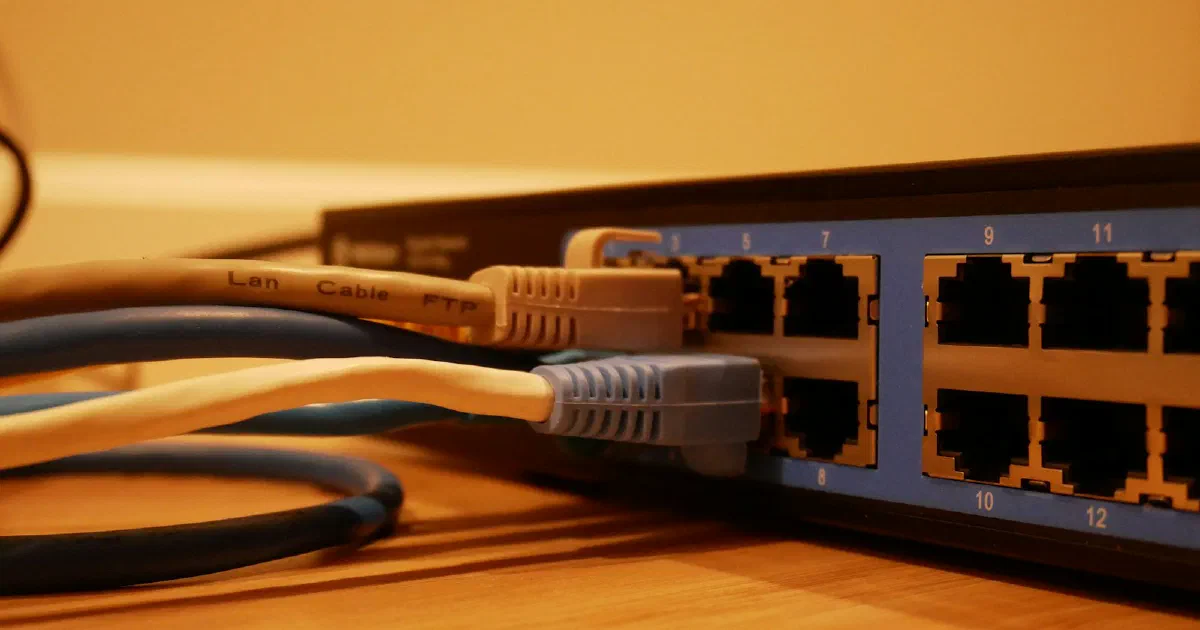
Wire them if you can. eero says “eeros can be connected together via Ethernet backhaul, or they can connect wirelessly,” and that wired backhaul “frees up bandwidth and improves speed, stability, and latency.” A cable takes the eero-to-eero traffic off the radios, leaving them free for your devices. Our wired vs. wireless backhaul guide covers the trade-offs in more depth.
How eero says to do it:
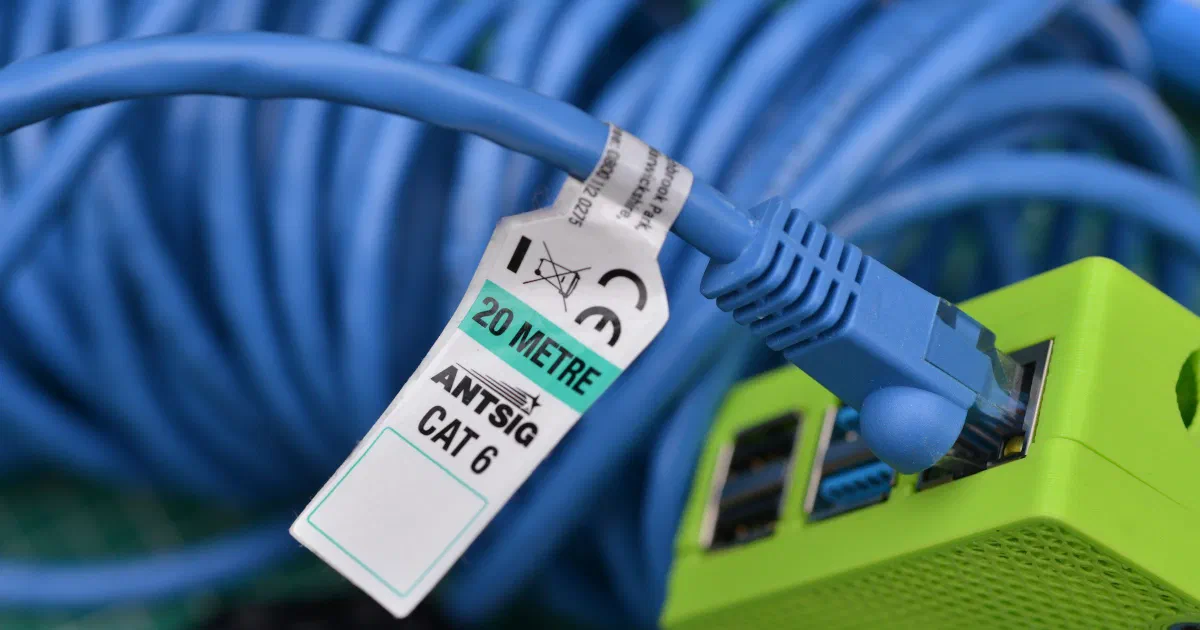
- Cable: “use a Cat5e, Cat6, or Cat6a Ethernet cable.” eero’s blog recommends “Cat6 or higher.”
- Layout: connect eeros “via an Ethernet switch,” or “daisy chain them by connecting each eero to the next.”
- Exceptions: eero Beacons and eero 6 Extenders “don’t have any Ethernet ports,” so they can only connect wirelessly.
You don’t have to wire everything. eero says unwired units “can, however, be part of a mixed network of wired and wireless eeros,” and its Ethernet backhaul post says “eero maximizes the outcome in either scenario, automatically routing traffic for the best possible connection.” Our suggestion, not eero’s: if you can only run one cable, the eero farthest from the gateway is a sensible one to wire.
If you stay wireless, mind the spacing. eero says “for the best experience when wireless, eeros should be no more than 50 feet from another eero,” adding that “depending on your home, this can vary.” The eero app walks you through placement during setup. In our view, a tri-band model gives wireless links more room; our tri-band vs. dual-band mesh guide explains when that’s worth paying for.
Is TrueMesh the same as Wi-Fi 7 MLO?
No. Multi-Link Operation is a Wi-Fi 7 feature, and eero’s MLO article describes it for client devices: “MLO requires that you have a Wi-Fi 7 router and Wi-Fi 7 device,” and “the device chooses where it wants to connect.” eero lists MLO support on the eero PoE 7, eero Max 7, eero Pro 7, eero 7 and eero Outdoor 7. eero’s MLO page doesn’t say whether MLO is used for links between eeros. Our Wi-Fi 7 MLO explainer and eero 7 vs. Pro 7 vs. Max 7 comparison go further.
Sources and verification
| Important claim | Source | Status |
|---|---|---|
| TrueMesh is patented, finds the ideal path, links every eero in range, no hub-and-spoke | eero support, eero blog | Verified |
| Per-device backhaul band on Pro 6, Pro 6E, Max 7, Pro 7 | eero support | Verified |
| eero OS v6.14.0 update; up to 50% throughput, 20% latency for Pro 6 / Pro 6E owners (conditions apply) | eero blog | Qualified (maker claim) |
| Ethernet or wireless backhaul; Cat5e/6/6a; switch or daisy chain; mixed networks | eero support | Verified |
| Beacons and eero 6 Extenders have no Ethernet ports | eero support | Verified |
| TrueRoam and TrueChannel definitions | eero blog | Verified |
| Wired backhaul improves speed, stability and latency; works wired or wireless | eero blog | Qualified (maker claim) |
| Checking eeroOS version and update timing | eero support, eero support | Verified |
| No more than 50 feet between wireless eeros | eero support | Verified |
| MLO models and client-device description | eero support | Verified |
Frequently asked questions
What is eero TrueMesh?
eero's patented mesh networking technology. eero units connect wirelessly to every other eero within range, and TrueMesh picks the fastest path for traffic based on factors like your network's layout, interference from neighboring networks and connected devices.
Can I turn TrueMesh off?
The eero pages we checked don't mention a setting to turn TrueMesh off. They describe it as built into every eero product and working automatically over wired, wireless or mixed connections.
Does TrueMesh work with Ethernet backhaul?
Yes. eero says its eeros can connect by Ethernet or wirelessly, can be part of a mixed wired and wireless network, and that TrueMesh means Wi-Fi 'works great either way—wirelessly or wired.'
How far apart should eeros be?
eero says that 'for the best experience when wireless, eeros should be no more than 50 feet from another eero,' that this varies by home, and that spacing is more flexible if your eeros are all wired together through Ethernet.
Is TrueMesh the same as Wi-Fi 7 MLO?
No. TrueMesh is eero's routing across its own mesh (and, since eero OS v6.14.0, it also weighs the links to connected devices). MLO is a Wi-Fi 7 feature that eero describes for client devices: it needs a Wi-Fi 7 eero and a Wi-Fi 7 device, and on eero, 'the device chooses where it wants to connect.'
Sources
- What is eero TrueMesh?, eero
- TrueMesh is faster than ever before, eero (Jun 4, 2026)
- TrueMesh, TrueRoam and TrueChannel, eero (Jun 29, 2025)
- Can I connect my eeros with Ethernet?, eero
- How much distance should there be between eeros?, eero
- Ethernet backhaul for mesh wifi, eero (May 19, 2026)
- What is Multi-Link Operation (MLO)?, eero
- How do I check my eeroOS version?, eero
- How do eeroOS updates work?, eero