Fiber vs. cable vs. 5G home internet: which should you choose?
How the three main home internet types differ on speed, reliability, and price, and how to check what you can actually get at your address.

On this page
The right type of home internet depends mostly on what is available where you live. Once you know your options, the choice usually comes down to upload speed, consistency, and how much you want to avoid contracts.
How do the three types compare?
| Fiber | Cable | 5G home internet | |
|---|---|---|---|
| How it arrives | Light through a fiber line to your home | Coax cable shared with neighbors | Cellular signal to a gateway in your home |
| Upload speed | Often as fast as download | Usually much slower than download | Varies with signal |
| Consistency | Very steady, even at busy times | Can slow when your neighborhood is busy | Varies with signal and tower load |
| Typical providers | Google Fiber, AT&T Fiber, Verizon Fios, local fiber providers | Xfinity, Spectrum, Cox, Optimum | T-Mobile Home Internet, Verizon 5G Home, AT&T Internet Air |
| Best for | Home offices, gamers, big uploads | Households where fiber isn’t available | Renters, small homes, no-contract shoppers |
When should you pick fiber?
Pick fiber when it is available and the price is fair. Video calls, cloud backups, and online gaming all benefit from fast uploads and steady latency. A fiber connection also gives you a better foundation for a mesh system, since any slowness you see is more likely to be your WiFi than your line.
When is cable the right call?
Cable is widely available and fast on download. If your household mostly streams and browses, a cable plan can be great value. Watch for two things: the price after the promotional period ends, and any monthly data cap. Both should be spelled out on the provider’s broadband label.
When does 5G home internet make sense?
5G home internet works well if fiber and cable are not available, or you want a simple plan without a long contract. Place the gateway near a window where signal is strongest, and test speeds at the times you actually use the internet. If you live in a large house, pair the gateway with a mesh system. Our guide to choosing mesh for a large house covers placement.
How do you check what you can actually get?
- Look up your address on the FCC National Broadband Map to see which providers report service there.
- Check each provider’s own address tool for current plans.
- Read the broadband label for the plan. It lists the monthly price, any introductory pricing, and typical speeds.
- Ask neighbors which provider works well on your street.
Should you rent the provider’s equipment?
Check your bill for an equipment charge first. Our guide to buying your own router vs. using your provider’s explains what the law says about equipment fees and what to check before you buy.
Before you blame your provider
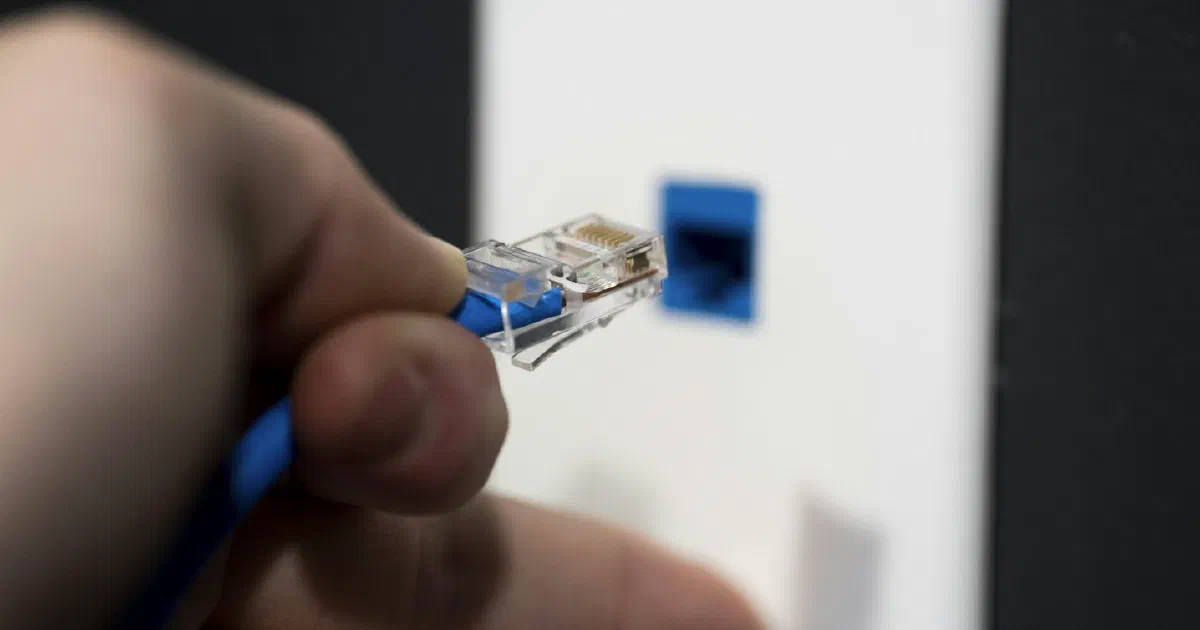
If your speeds look low, test with a cable first. Our guide to fixing slow WiFi shows how to tell a provider problem from a WiFi problem.
Frequently asked questions
Is fiber always faster than cable?
Not always on download speed, since both can sell gigabit plans. Fiber usually wins on upload speed, consistency at busy times, and latency.
Is 5G home internet good enough for working from home?
Often yes, especially for browsing, streaming, and video calls. Speeds can vary with signal strength and how busy the local tower is, so test during your work hours if the provider offers a trial.
How do I find out which providers serve my address?
Use the FCC National Broadband Map and the provider's own address checker. Neither is perfect, so confirm with the provider before you order.
Do I need to rent the provider's router?
Usually no. You can often use your own modem or router and avoid the monthly rental fee, but check that your equipment is compatible with the provider.
Sources
- FCC National Broadband Map, Federal Communications Commission
- FCC Broadband Labels, Federal Communications Commission