Is My Router Still Getting Security Updates? How to Check
Routers stop getting security fixes at end of life. How to check your model with Netgear, ASUS, TP-Link and eero, and what to do if support has ended.
On this page
Find your router’s exact model and hardware version on its label, then look it up on the manufacturer’s end-of-life list. If it is listed, it will not get security fixes again, and the FBI and NSA both advise replacing it. If it isn’t listed, open the router’s app or admin page, install any pending firmware update, and turn on automatic updates.
This is an explainer based on manufacturers’ published support policies and US government guidance. Policies differ by brand and region, so check your own model rather than relying on a general rule.
Why do security updates matter for a router?
Your router sits between every device in your home and the internet. When researchers or attackers find a flaw in its software, the fix arrives as a firmware update. A router that no longer gets updates keeps every flaw found after that date.
The FBI described this in a public service announcement on May 7, 2025. It said that when a router reaches end of life, the manufacturer is “not actively supporting the hardware,” so there are no more software updates or security patches. It warned that criminals were exploiting such routers with a malware family called TheMoon, which it said “allows cyber actors to install proxies on unsuspecting victim routers,” routing other people’s criminal traffic through them. The FBI advised replacing end-of-life routers and turning off remote administration.
The NSA’s home network guidance, published in February 2023, says routers “should be updated to the latest patches, preferably through automatic updates,” and “should also be replaced when they reach end-of-life (EOL) for support.”
How long do manufacturers support routers?
| Maker | What its policy says | Where to check |
|---|---|---|
| Netgear | End of service means no more firmware updates, “including important security updates”; generally three years after the last sale date | Netgear End of Service Products list |
| eero | Security updates guaranteed for at least five years from a new purchase on eero.com or Amazon.com, or until a published date per model if later | eero Software Security Updates page |
| ASUS | End-of-life products’ firmware “will not be updated” | ASUS End-of-life product list |
| TP-Link | Support and maintenance, “including security updates,” are discontinued for products taken off the market; no fixed period stated | TP-Link End of Life Products list |
Two details make a difference:
- The clock usually starts when the model stops being sold, not when you bought it. Netgear’s three years runs from the last sale date, which can vary by country or region. A router bought near the end of its sales life may have little support left.
- Eero’s dates are published per model. Its table runs from March 11, 2030 for the eero Pro and eero Beacon to October 31, 2031 for most newer models, including the eero 6, eero 7 and eero Max 7 lines. Eero says that after updates end, “your eero device will still work and can still provide wifi,” but without guaranteed security fixes.
How do I check my router?
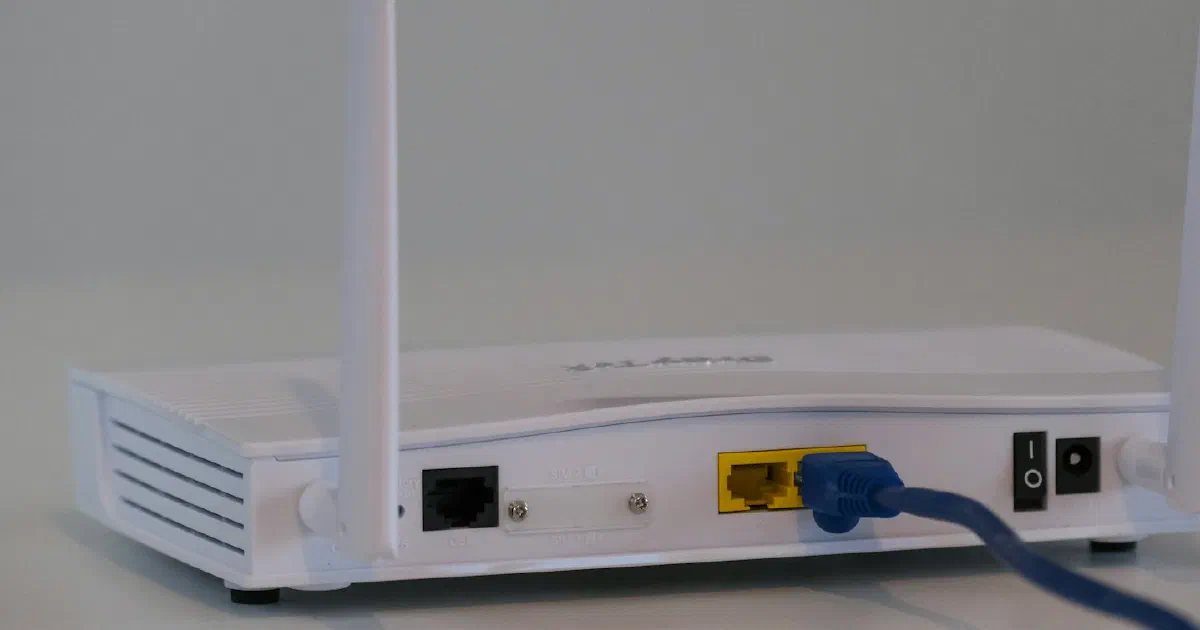
- Find the model and hardware version. It’s on the label on the bottom or back. Netgear says that if no version is shown, the product is version 1. ASUS also points to the label and the box.
- Search the maker’s list.
- Netgear: search the End of Service Products page by model number. Netgear also offers end-of-service alerts if you register your product.
- ASUS: check the End-of-life product list. ASUS notes that end-of-life status can vary by region.
- TP-Link: check the TP-Link End of Life Products list, and note that dates vary by region.
- eero: find your model’s date on the eero Software Security Updates page.
- Check the firmware date. In the router’s app or admin page, look for the firmware version and an update option. Install anything pending.
- Turn on automatic updates if your router offers them. Apple’s router guidance recommends setting routers to install firmware updates automatically. Eero installs updates automatically and lets you choose a preferred time under Settings, Software updates, Preferred update time.
For provider-supplied gateways, ask the provider. They typically manage firmware for their own equipment.
What if my router is no longer supported?
Plan to replace it. In the meantime, reduce the risk:
- Turn off remote administration. The FBI says to “disable remote management/remote administration, save the change, and reboot the router.”
- Change the admin password to a strong, unique one. The FBI recommends passwords of 16 to 64 characters.
- Turn off features you don’t use, such as WPS and UPnP. See should you turn off WPS and UPnP.
- Move smart home devices to a separate network if the router supports one. See guest networks for smart home devices.
When you buy a replacement, check how long the maker supports its routers before you choose. Our router hardening checklist covers the settings to change on day one, and our guides to Wi-Fi 6 vs. Wi-Fi 6E and router vs. mesh help with the choice. Under the FCC’s 2026 router rule, previously authorized models can still be bought; see our news report on TP-Link and the FCC for the current state of that rule.
Fact-check notes
| Important claim | Source | Verification |
|---|---|---|
| Netgear products at end of service get no firmware updates, including security updates; EOS generally occurs three years after the last sale date; check by model and version | Netgear End of Service Products | Verified as of October 13, 2026; Netgear’s “generally” is not a guarantee |
| eero guarantees security updates for at least five years from a new purchase on eero.com or Amazon.com, with per-model dates from March 11, 2030 to October 31, 2031 | eero Software Security Updates | Verified as of October 13, 2026 |
| eero installs updates automatically and lets you set a preferred update time | How do eeroOS updates work? | Verified as of October 13, 2026 |
| ASUS end-of-life products’ firmware will not be updated; status can vary by region | ASUS Support FAQ 1047671 | Verified as of October 13, 2026 |
| TP-Link discontinues support, including security updates, for products taken off the market | TP-Link End-of-Life Policy | Qualified: the policy gives no fixed period |
| The FBI warned on May 7, 2025 that TheMoon malware was exploiting end-of-life routers, and advised replacing them, disabling remote administration and using 16 to 64 character passwords | FBI IC3 PSA, May 7, 2025 | Verified |
| The NSA advises automatic updates and replacing routers at end of life | NSA, February 2023 | Verified |
| Apple recommends setting routers to install firmware updates automatically | Apple Support, July 14, 2026 | Verified as of October 4, 2026 |
Bottom line
Check your router’s model on its maker’s end-of-life list today, and turn on automatic updates. If it’s no longer supported, switch off remote administration and plan a replacement. When you buy the next one, add the maker’s update policy to the spec sheet you compare.
Frequently asked questions
How do I know if my router is end of life?
Find the model and hardware version on the router's label, then search the manufacturer's end-of-life or end-of-service list. Netgear, ASUS and TP-Link each publish one. Eero lists a guaranteed update end date for each model.
How long do routers get security updates?
It varies by maker and isn't always guaranteed. Netgear says support generally ends three years after a product's last sale date. Eero guarantees at least five years from a new purchase on eero.com or Amazon.com. TP-Link's policy says support, including security updates, is discontinued after a product is taken off the market, without a fixed period.
Can I keep using a router that no longer gets updates?
It will keep working, but new security flaws won't be fixed. The FBI and NSA both advise replacing routers that have reached end of life.
How do I update my router's firmware?
Check the router's app or admin page for a firmware or software update option, and turn on automatic updates if it offers them. Eero installs updates automatically, by default overnight, and lets you set a preferred update time.
What if my internet provider supplied the router?
The provider usually manages its updates. Ask the provider whether your gateway is still supported, and request a replacement if it isn't.
Sources
- End of Service Products, Netgear
- [Wireless / Networking] How to check if a product is End-of-life (EOL)?, ASUS Support
- End-of-life product list, ASUS
- TP-Link End-of-Life Policy, TP-Link
- eero Software Security Updates, eero Support
- How do eeroOS updates work?, eero Support
- Cyber Criminal Proxy Services Exploiting End of Life Routers, FBI Internet Crime Complaint Center (May 7, 2025)
- Best Practices for Securing Your Home Network, National Security Agency (Feb 22, 2023)
- Recommended settings for Wi-Fi routers and access points, Apple Support (Jul 14, 2026)