Matter and Thread, explained: what to buy for a smart home
What Matter and Thread actually do, what you need to use them, and how they fit with your home WiFi.
On this page
Matter makes it easier to buy smart-home gear that works with the assistant you already use. Thread helps battery-powered devices stay connected without draining their batteries. Neither one changes what you need from your WiFi, but a stable network still matters.
What is Matter?
Matter is a smart-home standard from the Connectivity Standards Alliance. A device that supports Matter can be set up with Apple Home, Google Home, Amazon Alexa, or Samsung SmartThings. You can often use more than one at the same time. The goal is simple: buy a plug, bulb, or sensor once, and not worry about which brand’s app ecosystem it belongs to.
What is Thread?
Thread is a low-power wireless network for small devices. Thread devices talk to each other and form their own mesh, which helps sensors and locks reach a hub without relying on your WiFi. A Thread network needs at least one border router to connect it to your home network.
What do you need to get started?
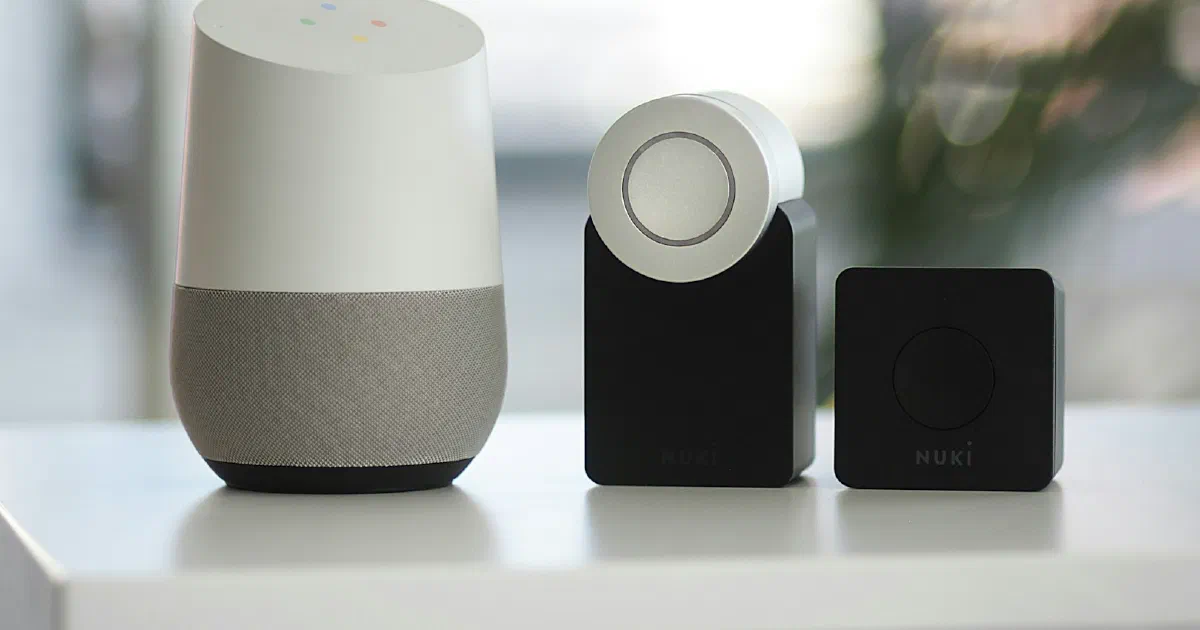
- A hub or controller such as a smart speaker, display, or hub that supports Matter.
- A Thread border router, only if you buy Thread devices. Many speakers and streaming boxes already include one.
- A healthy WiFi network. Matter devices on WiFi still use your router, and many smart devices only work on the 2.4 GHz band.
Does Matter change how you should set up your router?
A little. Our advice:
- Put smart-home devices on a guest network if your router lets Matter hubs still reach them. Not all setups support this, so test one device first.
- Keep your router firmware current. See our router hardening checklist.
- If devices drop off in far rooms, the fix is usually coverage. Our mesh vs. single router guide explains when to add nodes.
What should you buy first?
Start with something you will use every day: a smart plug or a few bulbs. Check the box for the Matter logo, set it up with your hub, and live with it for a week before buying more. Buy battery-powered sensors and locks only after you have confirmed a Thread border router in your home.
Frequently asked questions
Do I need Thread to use Matter?
No. Matter devices can connect over WiFi or Ethernet as well as Thread. Thread is common for battery-powered sensors and locks because it uses little power.
Do I need a Thread border router?
Only if you buy Thread devices. Several smart speakers, displays, and streaming boxes include one, so you may already own one. Check the device's spec page for "Thread border router".
Will Matter devices work with a WiFi mesh system?
Yes. Matter devices on WiFi work on a mesh network like any other WiFi device. Keep them on the same network as your hub unless the hub's instructions say otherwise.
Do Matter devices work if the internet is down?
Many can keep working locally because Matter is designed to control devices over your home network. Check each device, since some features still need a cloud service.
Sources
- Matter overview, Connectivity Standards Alliance
- About Thread, Thread Group